2021
UI Designer
UI Developer
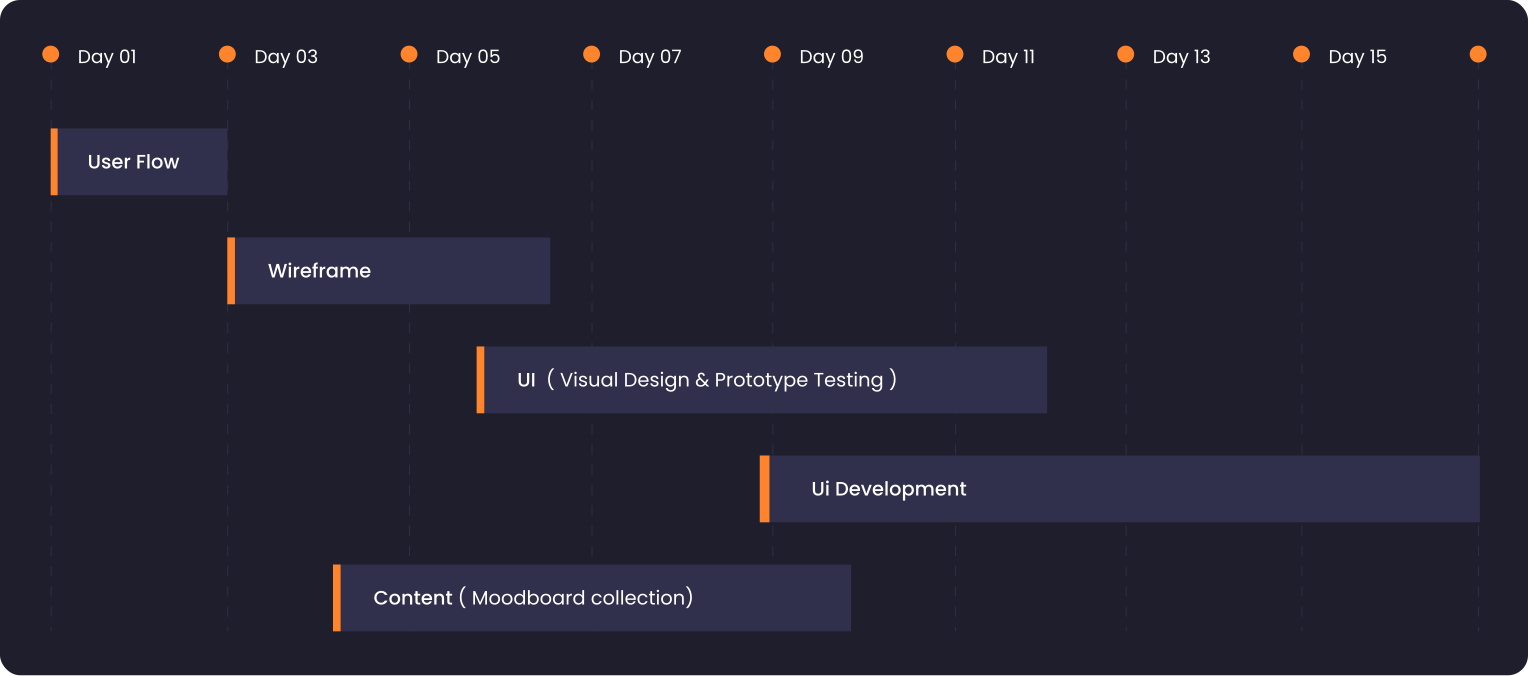
User flow
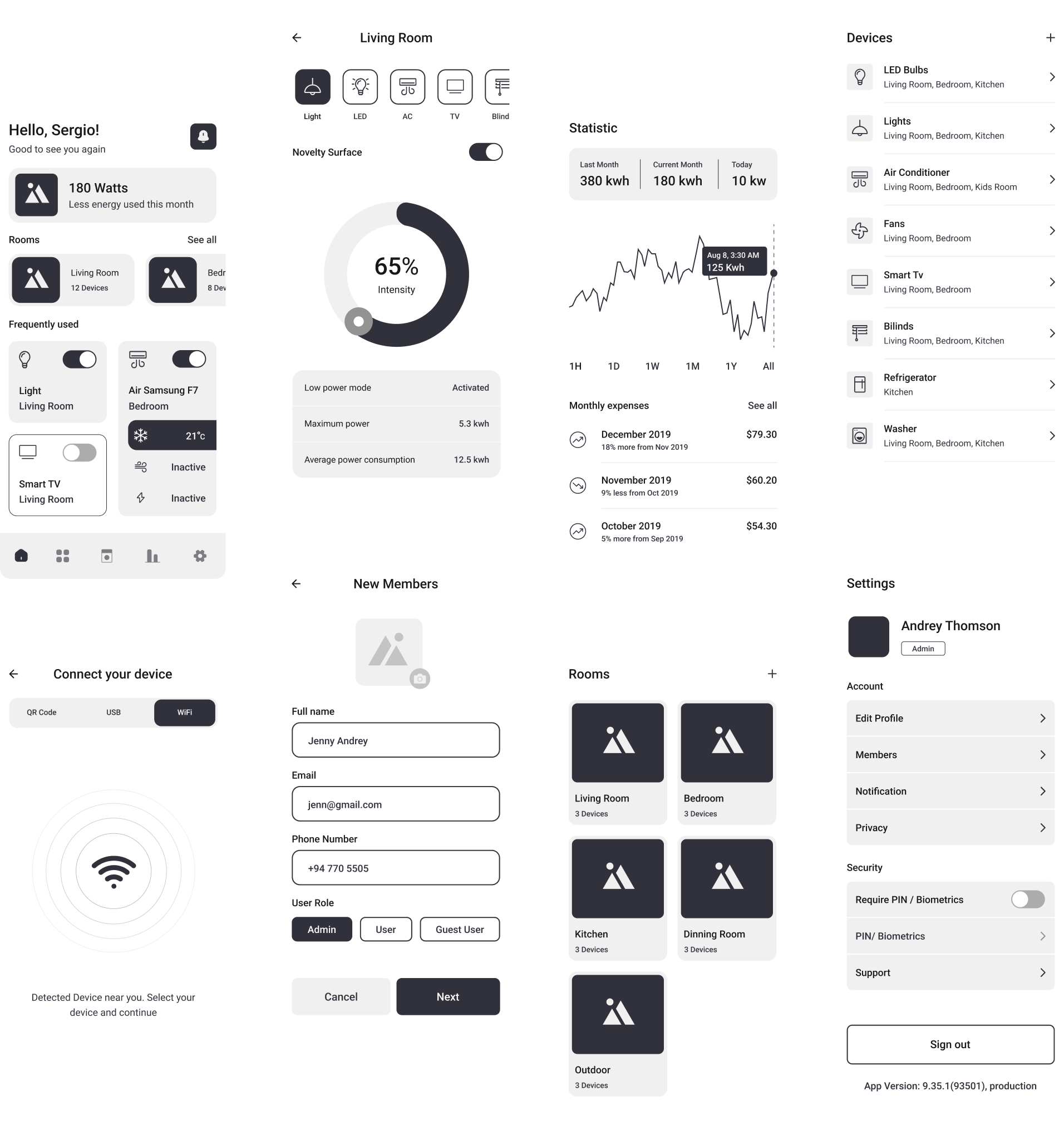
Wireframe
Visual design
UI Development
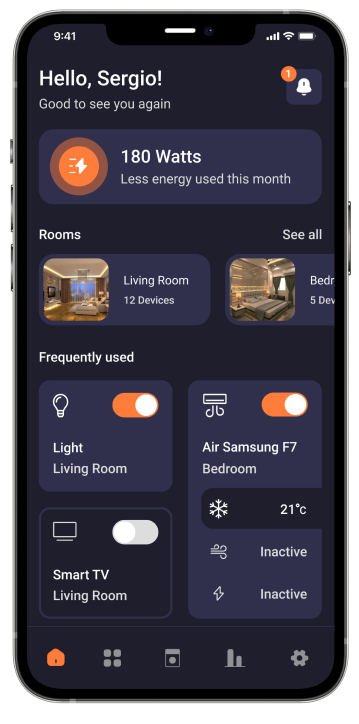
Imagine a home where everything can be controlled with one tap on your smartphone. You can change the lighting according to your mood, create a perfect environment for watching your favorite movies, and the list goes on. This indeed seems fascinating and sounds like we are living in a magical world, but all these things already exist in reality. Thanks to the Internet of Things (IoT) which makes the concept of a smart home possible.
As there are a lot of smart home brands out there, a user may have smart devices of many different brands. But they couldn’t always connect or communicate with each other. The controller for a Nest thermostat won’t read the directive sent by the Alexa app. Thus a user will have to install a bunch of apps for each brand of devices. The abundance of smart home apps that don’t work together leads
Suppose you have five smart devices in your home each of which comes from a different brand. Each time you want to control a device, you’ll have to open a new app. That is obviously a frustrating thing to do and the problem increases with more number of brands.
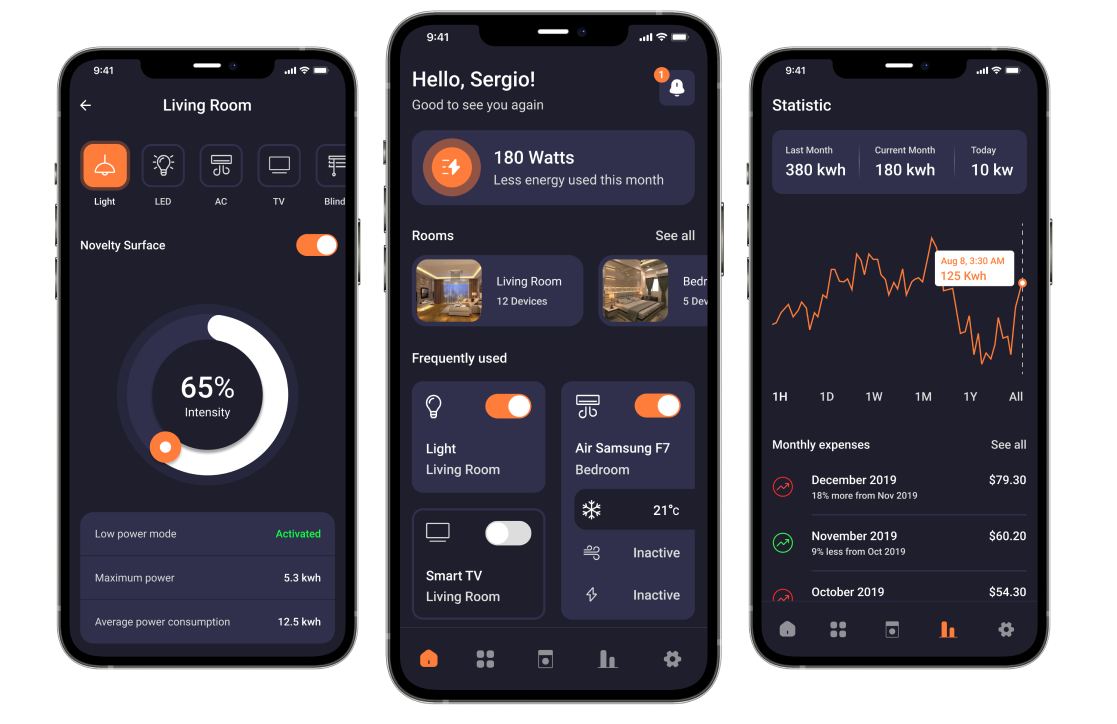
As many people who were using the company’s products were facing this problem, product team came up with the solution of building a single app which could control all the devices.
This is where the use of developer APIs comes into the picture. APIs or Application Programming Interfaces, in the most general sense, are the lines of code that allow various software components to talk to one another to allow various tasks or actions to happen. Numerous companies now offer APIs to developers for their smart home products. Using these APIs, our developers could build a third party service which would interact with all the devices of various brands.